How to Create a Free Online Store for Your Small Business (No Code Needed)
Stop losing sales in the DMs. Discover how to build a free, professional online store for your small business in under 60 seconds. No code needed.
Mafflle Stores
Mafflle Stores
On this page
- 5 Reasons Your Business Needs an Online Store in 2026
- 1. Instant Trust and Brand Credibility
- 2. Make Sales While You Sleep (The 24/7 Storefront)
- 3. Better Brand Visibility and Search Traffic
- 4. Effortless Inventory and Order Tracking
- 5. Make It Easier to Serve Your DM Customers
- What to Look Out For When Choosing a Store Builder
- How to Launch Your Free Mafflle Store
- 1. Create your account
- 2. Claim your store
- 3. Add your products
- 4. Set up payments
- 5. Share your link
- 6. Take your first order
- That’s the whole thing
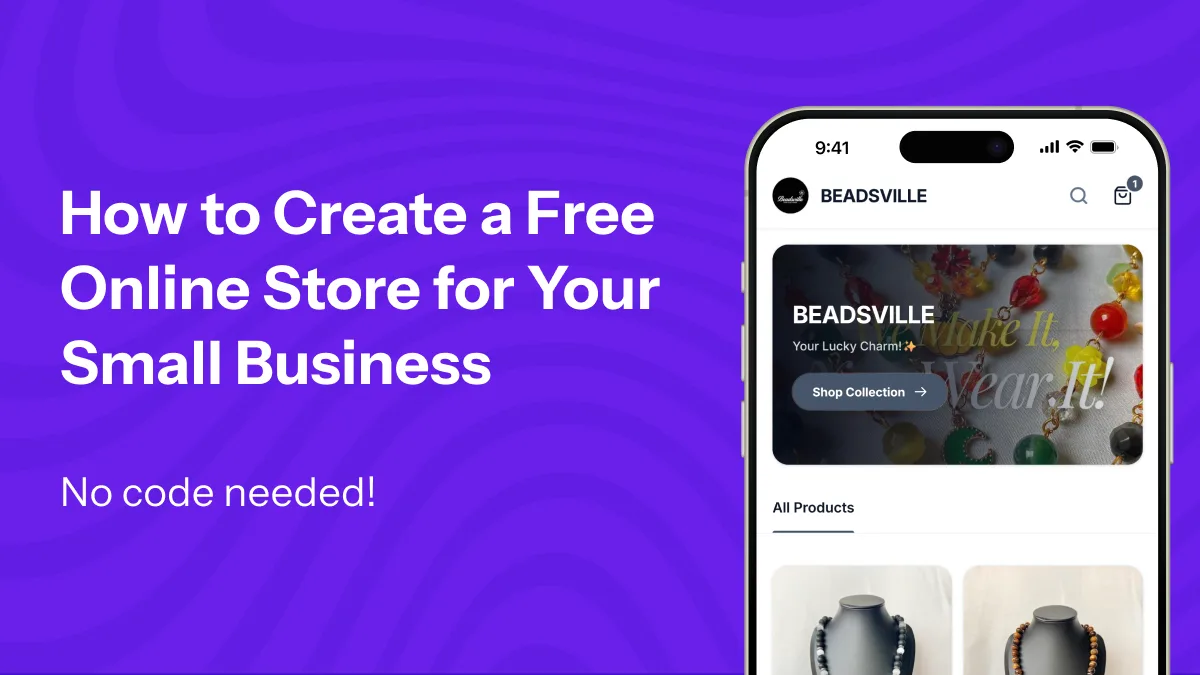
If you run a small business in Nigeria, your smartphone is probably your hardest-working employee. You are constantly uploading product pictures, replying to “How much please?” in your comments, typing out your account details, and calculating delivery fees in the DMs.
While making sales in your DMs feels great, the manual labor is exhausting. More importantly, it limits your growth.
When you run everything manually, you aren’t just losing sleep. You are losing customers who want to buy immediately without waiting for a reply. The truth is, your DM is a great place to chat, but a professional website is where you actually build the business.
Having an online store isn’t just about having a link in your bio. It is a critical growth engine that makes you look bigger, builds instant trust, and automates your sales.
Here is why your small business needs a professional online store, what to look for, and how you can launch yours for free in under 60 seconds, without writing a single line of code.
5 Reasons Your Business Needs an Online Store in 2026
1. Instant Trust and Brand Credibility
In the world of social commerce, trust is your most valuable currency. When a new customer discovers your page, they are silently looking for reasons to believe you are legitimate. A beautifully designed online store instantly separates your business from random, unverified accounts. It gives your brand a permanent, professional home that signals to customers: “We are a structured business, and your money is safe with us.”
2. Make Sales While You Sleep (The 24/7 Storefront)
Stop spending your energy typing the same answers to “What sizes do you have?”, “Where are you located?”, or “Do you deliver outside Lagos?” Your online store acts as an automated, 24/7 sales rep. Customers can browse your catalog, check pricing, and pay for their orders at 2:00 AM while you are sleeping. You wake up to confirmed orders instead of an inbox full of questions.
3. Better Brand Visibility and Search Traffic
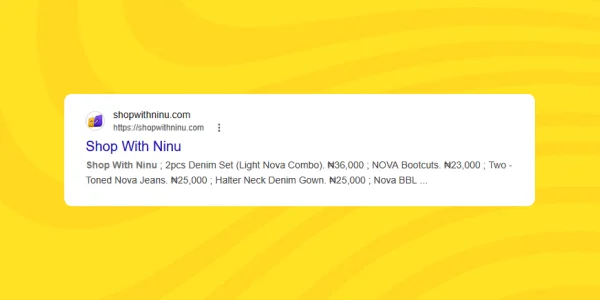
When you rely strictly on social media, you are entirely at the mercy of the algorithm. A website allows your business to be found on search engines like Google. By having a dedicated storefront, you increase the chances of attracting organic traffic from customers who are actively searching for exactly what you sell, bringing in buyers who may have never seen your social media pages.
4. Effortless Inventory and Order Tracking
When you sell across multiple platforms (like Instagram, WhatsApp, and TikTok), managing stock manually in a notebook or spreadsheet gets messy fast. An online store tracks your inventory automatically. It records every order, calculates the exact stock remaining, and gives you a clear dashboard of who has paid, what needs to be shipped, and who owes you money.
5. Make It Easier to Serve Your DM Customers
A good online store doesn’t force you to abandon your WhatsApp customers. It makes serving them easier. If someone still prefers to negotiate and buy in the DMs, you can use your store’s dashboard to instantly generate a professional, branded receipt and invoice for them. It bridges the gap between a casual chat and a professional business transaction.
What to Look Out For When Choosing a Store Builder
Not all website builders are created equal. As a small business owner, your focus should be on sourcing and selling your products, not wrestling with complex software. When setting up your store, ensure the platform offers:
- Zero Technical Friction. You shouldn’t have to worry about buying domain names, configuring hosting, or writing code.
- Mobile-First Design. Most of your customers will visit your store from their phones. The layout must be clean, fast, and incredibly easy to navigate on mobile screens.
- Speed and Simplicity. It shouldn’t take you three days to set up your catalog. The platform should be built for speed.
How to Launch Your Free Mafflle Store
You don’t need a massive budget or a technical team to look like a premium brand. With Mafflle Stores, we built a no-code platform specifically for small businesses to launch and scale effortlessly.
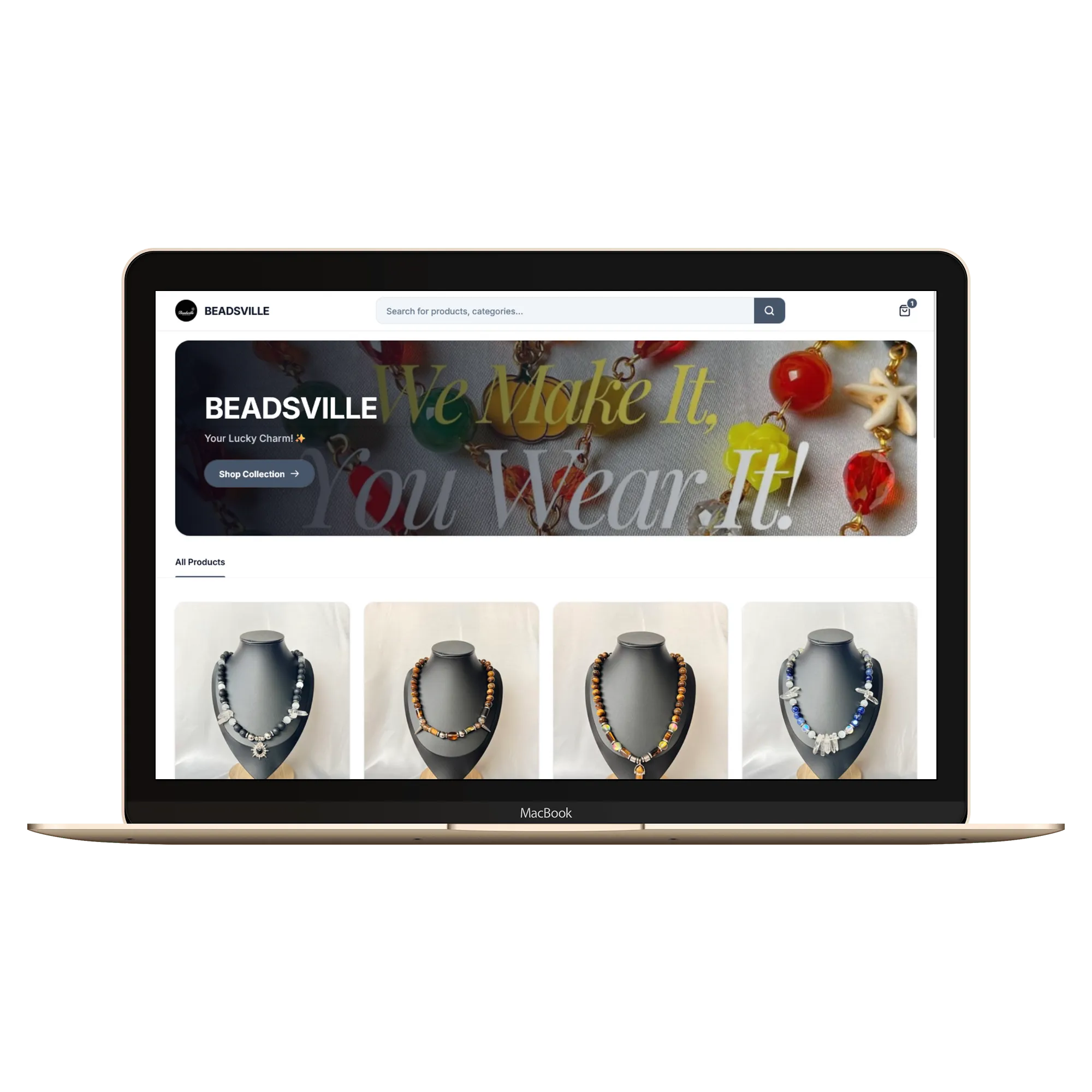
Here is how to get started:
1. Create your account
Head to mafflle.store and hit Register. You need an email or phone number, a password, and your business name.
That’s it. No card, no payment, nothing to pay today. The trial is genuinely free, and you get the whole thing for seven days.
One thing most people miss: you pick your plan during the trial, and you get that plan’s features for free the whole week. Want to test bigger limits, more products, even your own domain? Pick Growth for the trial and try it all before you pay a naira.
2. Claim your store
You will be redirected to the onboarding form. Fill in your business details and claim your store link.
3. Add your products
If you can post on an Instagram Story, you can use our product upload form. Add a name, a price, and a photo or two. If you sell sizes or colors, that works too, and each version gets its own price and stock. List your catalog in under a minute.
Use clear photos. People on WhatsApp and Instagram decide fast, and a good picture does half the selling for you.
4. Set up payments
Connect Paystack so customers can pay by card, bank transfer, or USSD. The money settles to your bank account. You can also take pay on delivery if you sell to people you trust.
You don’t need to understand the mechanics. It’s a few taps in your dashboard, and your store is ready to take money.
5. Share your link
Every store gets a free link, like yourstore.mafflle.store. This is the part that changes everything. Instead of answering the same questions one DM at a time, you post your link. Customers browse your whole store, see your prices and photos, and order themselves.
Put the link in your WhatsApp status. Your Instagram bio. Wherever your customers already are. One link does the talking you used to do by hand.
6. Take your first order
When someone orders, it lands in your dashboard with everything you need: the items, the customer, the delivery address, the payment status. You manage it from your phone, no more screenshot-and-spreadsheet juggling.
That first order arriving on its own, without you doing anything, is a nice feeling. I’ll let you find out for yourself.
That’s the whole thing
A few minutes. Free to start. If you hit a snag at any point, the user guide has the full walkthrough for every feature.
Ready to stop chasing DMs and start scaling your brand? Create your free Mafflle store today. You’ll be glad you did.
Related guides

The Mafflle Newsletter
Get tips for your online store
Join the Mafflle newsletter for practical guides, product updates, and ideas to grow your store. No spam — unsubscribe anytime.